Technology for the road ahead

Less cable.
More drive.

Wireless adapters, motorcycle CarPlay screens, and tire pressure monitors. Connected products for your daily drive and your next ride.

WirelessIn-car connectivity
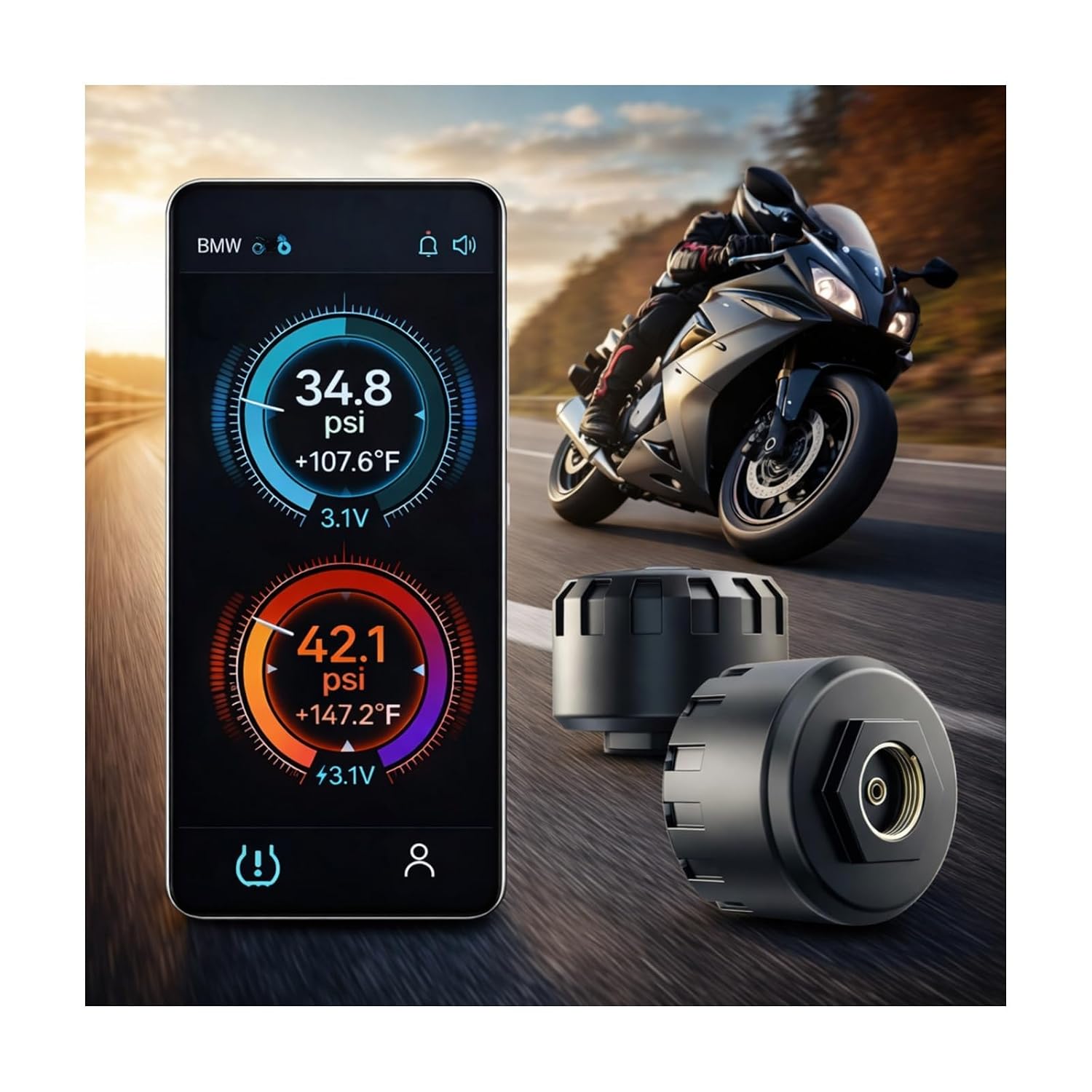
LiveTire pressure updates
DirectSetup and product support
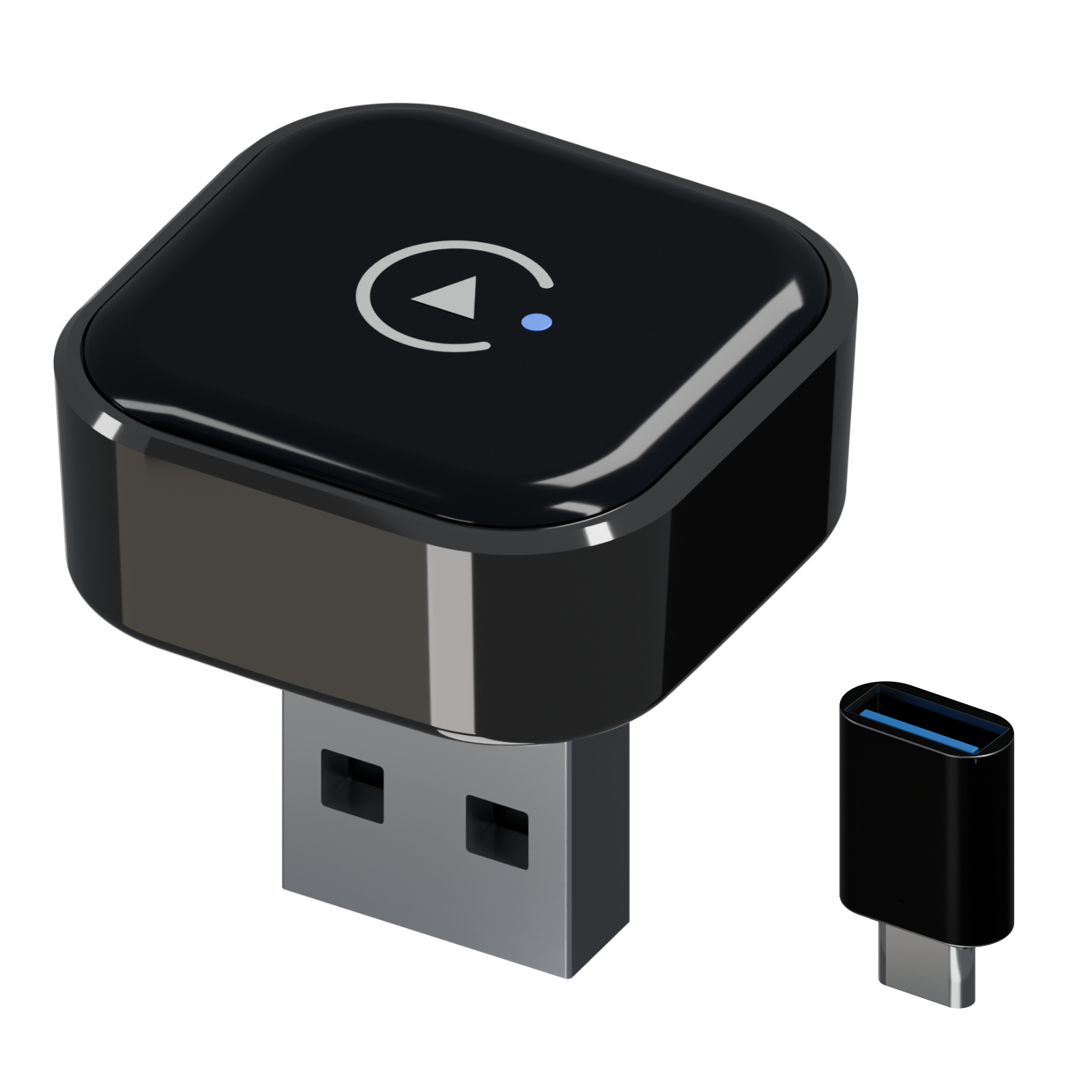
Hyphoon 322M wireless adapter with included converter
Featured product322M | 2-in-1
322M Wireless CarPlay & Android Auto Adapter2-in-1 | USB-A + included USB-C adapter · View product →
01

For driving and ridingConnected products for cars and motorcycles.

02

Check before you buyFind out what to check for your vehicle and phone.

03

Support after deliverySetup and troubleshooting help when you need it.

Built around real life

Technology should disappear into the journey.

A wireless connection in the car. A CarPlay screen on the bike. Tire information on your phone. Hyphoon brings useful technology to the journeys you make every day.

A quiet coastal road illuminated by a warm guiding lightDesigned around the journey

Why Hyphoon

Keep the technology. Lose the friction.

Your journey shapes the equipment you choose. We focus on familiar phone connections, useful tire information, and clear guidance to help you choose and use your Hyphoon product.

Our approach →

The Hyphoon approach

01

Find your fit

Choose a product around your vehicle, phone, and the way you drive or ride.

02

Keep it useful

Bring familiar phone features and tire information into your everyday journey.

03

Get help along the way

Reach us for help choosing a model, getting connected, or troubleshooting your product.

Buy with confidence

Know the fit before it ships.

1Wireless adapters: check your car’s wired CarPlay or Android Auto support and USB data port.

2Tire monitors: check the valve type, sensor count, and clearance around each wheel.

3Motorcycle screens: check mounting, power, and phone requirements for the model.

Check compatibility →

Here when you need us

Make every connection count.

Find setup guides, compatibility answers, and quick troubleshooting for your Hyphoon product.

Visit support →